Do you have a question about the CARE620 Series and is the answer not in the manual?
Questions and answers
Trevor Clark
June 16, 2025
Hi please how to clear phones of all nos messages etc factory reset
1 comments:
Mr. Anderson
August 19, 2025
To perform a factory reset on Oricom CARE620 Series phones:
1. Press MENU/OK. 2. Use UP or DOWN to select DEFAULT. 3. Press MENU/OK. 4. Enter the 4-digit system PIN when prompted. 5. Press MENU/OK to confirm. 6. Press MENU/OK again to re-confirm.
Note: This will delete all personal settings and call list entries, but the phonebook and Call block list will remain unchanged.
This answer is automatically generated
Kay Dodds
March 6, 2025
when do i know if my phone is charged as the light is still red on the base after several hours on the charging. I have a new Oricom PRO810 dect cordless with answering system
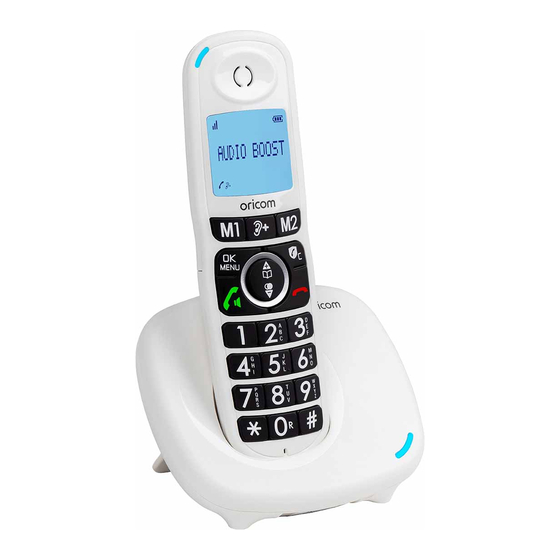


Need help?
Do you have a question about the CARE620 Series and is the answer not in the manual?
Questions and answers
Hi please how to clear phones of all nos messages etc factory reset
To perform a factory reset on Oricom CARE620 Series phones:
1. Press MENU/OK.
2. Use UP or DOWN to select DEFAULT.
3. Press MENU/OK.
4. Enter the 4-digit system PIN when prompted.
5. Press MENU/OK to confirm.
6. Press MENU/OK again to re-confirm.
Note: This will delete all personal settings and call list entries, but the phonebook and Call block list will remain unchanged.
This answer is automatically generated
when do i know if my phone is charged as the light is still red on the base after several hours on the charging. I have a new Oricom PRO810 dect cordless with answering system