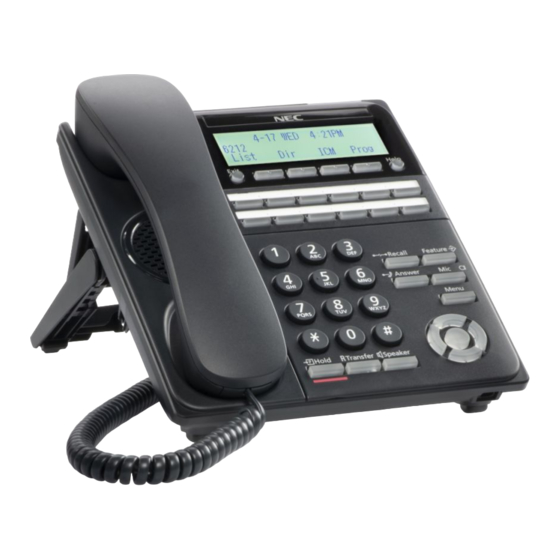
NEC UNIVERGE SV9300 Series User Manual
Hide thumbs
Also See for UNIVERGE SV9300 Series:
- Networking manual (364 pages) ,
- System maintenance manual (192 pages) ,
- User manual (141 pages)
Table of Contents
Advertisement
Quick Links
それty
COVER
Before using this product and document, please read the following document carefully.
Also, please keep this document to the place where you can see any time.
Safety Precautions and Regulatory Notices for DT Series from the following URL
https://mind.bcom.nec.co.jp/customernet/safety-info/table_t.html
UNIVERGE DT920(6D/12D)/DT530
USER'S GUIDE
GVT-102746-001
MARCH, 2021
Issue 3.1
Advertisement
Table of Contents


Need help?
Do you have a question about the UNIVERGE SV9300 Series and is the answer not in the manual?
Questions and answers
How to turn off call indicator