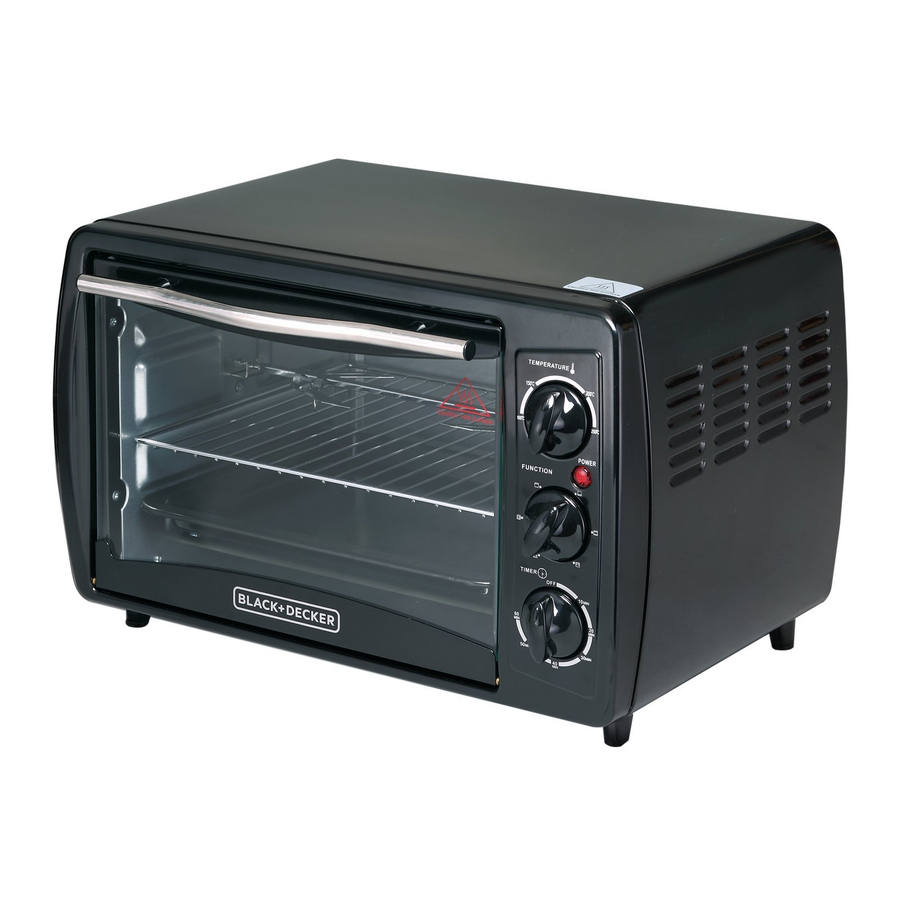
Black & Decker TRO2000 Instruction Manual

Black & Decker TRO2000 Instruction Manual

Black & decker toaster oven instruction manual

Advertisement

Toaster Oven
Please read through this booklet for safe and efficient use of the appliance.
We urge you to read the "Hint's" section and also follow all detailed
instructions even if you are familiar with using this appliance.
Keep this guide handy for future reference.
English
Page 02
Farsi
Page 18
Arabic
Page 27
First Use Safety Recommendation
TRO2000/TRO50/
TRO55/TRO60

Advertisement

Table of Contents
loading

Frequently Asked Questions (10)

  • How to clean the Black & Decker TRO2000 Oven?

    Before cleaning, always turn the oven off, unplug it and let it cool. Never immerse the appliance, the cord set or the plug in liquid, and do not touch the heating elements. Do not use solvents or any type of cleaning agent or cleaning pad unless recommended in this manual, and a steam cleaner is not to be used.

    To clean:

    Was this helpful?
  • How do I bake in the Black & Decker TRO2000 Oven?

    To bake:

    1. Slide the shelf into one of the available positions.
    2. Place the food on the shelf.
    3. Close the glass door.
    4. Set the function selector to the bottom element only position.
    5. Set the temperature control to the required temperature.
    6. Set the timer to the required baking time. If the desired time is less than 10 minutes, turn the dial past 10 minutes and then turn it back to the correct time. The oven will turn on automatically with the timer.
    7. Cooking will stop automatically and an alarm will sound once the time has elapsed.

    For frozen casseroles, they will require more cooking time. You can loosely cover the tops with aluminum foil and uncover for the last 5 or 10 minutes to enhance browning. Ensure the foil does not touch the heating elements.

    Was this helpful?
  • What are the cooking modes available on the Black & Decker TRO2000 Oven?

    The Black & Decker TRO2000 Oven has the following cooking modes, selected via the function selector:

    • Top elements on (toasting)
    • Lower elements on (baking)
    • Broiling (top and bottom elements)

    For more information, see page 7 of the manual.
    Was this helpful?
  • How do I use the toaster function on the Black & Decker TRO2000 Oven?

    To use the toaster function:

    1. Slide the shelf into one of the available positions.
    2. Place the bread on the shelf.
    3. Set the function selector to the top element only position.
    4. Set the temperature control to the required temperature.
    5. Turn the timer to the required time. If the desired time is less than 10 minutes, turn the dial past 10 minutes and then turn it back to the correct time. The oven will turn on automatically with the timer.
    6. Cooking will stop automatically and an alarm will sound once the time has elapsed.

    Note that moist or fresh breads may cause condensation to form on the inside of the glass door, which is normal.


    For more information, see page 7 of the manual.
    Was this helpful?
  • What kind of bakeware can I use in the Black & Decker TRO2000 Oven?

    You can use metal, oven proof glass or glass ceramic bakeware in your oven. When using deep oven proof glass or glass ceramic containers, ensure the top edge of the container is at least 2.5 cm away from the upper heating elements.

    Do not use the following items:

    • Sealed containers such as sealed pouches or unopened cans.
    • Glass lids on glass or metal bakeware.
    • Plastic wrapping or paperboard covers.
    • Containers larger than those recommended (as they may interfere with air circulation).
    • Containers with specific warnings against use in ovens.

    For more information, see page 6 of the manual.
    Was this helpful?
  • What do the symbols on the Black & Decker TRO2000 Oven mean?

    The symbols on your Black & Decker TRO2000 Oven's function selector indicate the following modes:

    • OFF
    • Top elements on (toasting)
    • Lower elements on (baking)
    • Broiling (top and bottom elements)

    Additionally, the symbol denotes a hot surface.


    For more information, see pages 5 and 7 of the manual.
    Was this helpful?
  • Can I cook frozen foods in the Black & Decker TRO2000 Oven?

    Yes, you can cook frozen foods in the Black & Decker TRO2000 Oven. Many prepared frozen foods are packaged in nonmetallic containers suitable for use in regular ovens. You should check the package instructions to determine if the container is suitable for a regular oven.

    When using these containers, always allow the oven to preheat for about 5 minutes before placing the ingredients inside. Remove any plastic wrapping and plastic or cardboard covers that may only be suitable for microwave ovens. Place the container holding the food on the oven pan and cook according to the instructions or until the food is thoroughly heated.

    For frozen casseroles, they will require more cooking time than thawed casseroles. You can loosely cover the tops with aluminum foil and uncover for the last 5 or 10 minutes to enhance browning, ensuring the foil does not touch the heating elements.

    Was this helpful?
  • How do I adjust the temperature settings on the Black & Decker TRO2000 Oven?

    You can adjust the temperature settings by turning the Temperature control (3) to the desired temperature.


    For more information, see pages 4, 7 and 8 of the manual.
    Was this helpful?
  • How do I turn off the Black & Decker TRO2000 Oven?

    The oven will turn off automatically once the set cooking time has elapsed, and an alarm will be heard. You can also turn the function selector to the OFF position. To completely disconnect power, switch off and remove the plug from the socket.

    Was this helpful?
  • How do I turn on the Black & Decker TRO2000 Oven?

    To turn on the oven, you need to set the desired function and temperature, then turn the timer to the required time. The oven will turn on automatically with the timer. If setting a time less than 10 minutes, turn the dial past 10 minutes and then turn it back to the correct time.


    For more information, see page 7 of the manual.
    Was this helpful?
Need help?

Need help?

Do you have a question about the TRO2000 and is the answer not in the manual?

Questions and answers

This manual is also suitable for:

Tro50Tro55Tro2000rTro60

Table of Contents

Save PDF