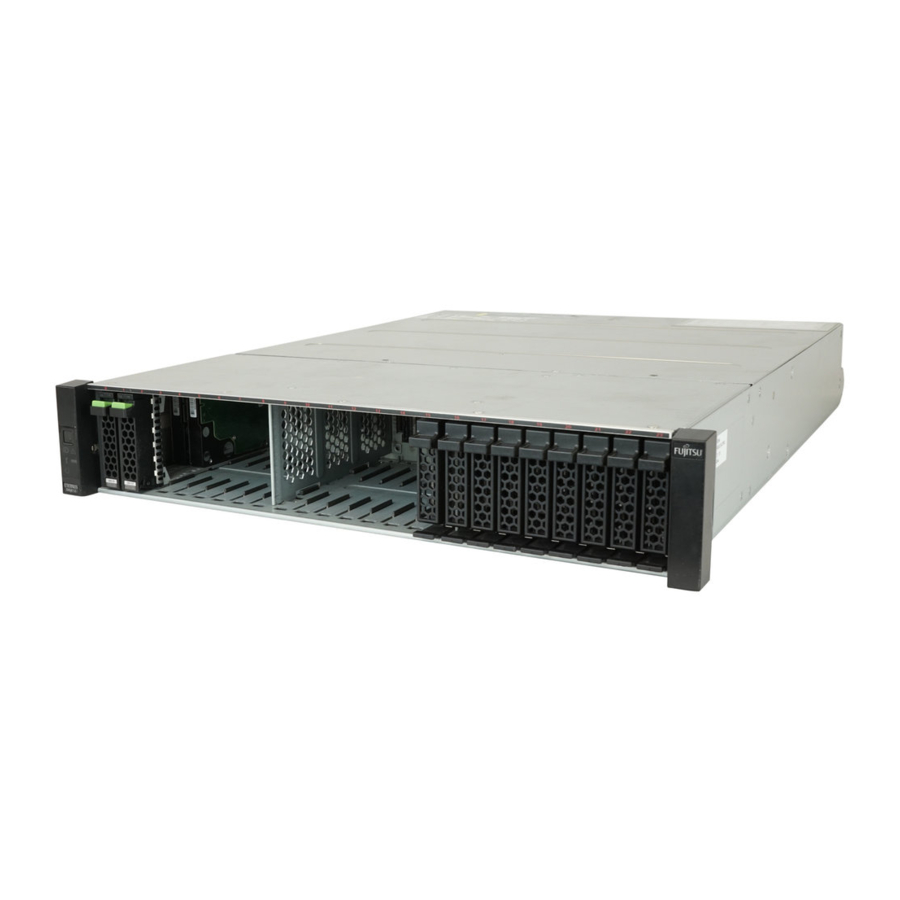
Fujitsu ETERNUS DX60 S3 Configuration Manual
Disk storage system
Hide thumbs
Also See for ETERNUS DX60 S3:
- User manual (1082 pages) ,
- Configuration manual (160 pages) ,
- Operation manual (88 pages)
Table of Contents

Related Manuals for Fujitsu ETERNUS DX60 S3


Summary of Contents for Fujitsu ETERNUS DX60 S3
- Page 1 P3AM-7962-08ENZ0 FUJITSU Storage ETERNUS DX Configuration Guide -Server Connection- (Fibre Channel) ETERNUS DX60 S3/DX100 S3/DX200 S3, ETERNUS DX500 S3/DX600 S3, ETERNUS DX8700 S3/DX8900 S3 Disk Storage System, ETERNUS DX200F All Flash Array Settings...
- Page 2 This page is intentionally left blank.
- Page 3 ETERNUS DX, server, OS, Fibre Channel cards, and drivers. Refer to "FUJITSU Storage ETERNUS DX Configuration Guide -Server Connection- Notations" for the notations used in this manual such as product trademarks and product names. For storage systems that are supported by the OS, refer to the Server Support Matrix of the ETERNUS DX.
-
Page 4: Table Of Contents
2.1.6 Allocating LUN Groups (Setting the Host Affinity)....................11 2.2 Specific Settings ........................... 11 2.2.1 Setting the CA Reset Groups..........................11 2.2.2 Setting the Subsystem Parameters ........................11 2.3 Checking the WWNs ........................11 FUJITSU Storage ETERNUS DX Configuration Guide -Server Connection- Copyright 2015 FUJITSU LIMITED P3AM-7962-08ENZ0... - Page 5 Transfer Rate setting values (for FC-AL connection) ...................8 Table 2.3 FC port parameter settings (Fabric connection) ..................8 Table 2.4 Transfer Rate setting values (for Fabric connection) ..................9 Table 2.5 Host response settings ..........................10 FUJITSU Storage ETERNUS DX Configuration Guide -Server Connection- Copyright 2015 FUJITSU LIMITED P3AM-7962-08ENZ0...
-
Page 6: Chapter 1 Workflow
Chapter 1 Workflow This manual is used when performing the setup procedures described in the "Setting Up the ETERNUS DX" section of the "FUJITSU Storage ETERNUS DX Configuration Guide -Server Connection- (Fibre Channel)" for each OS. Required Documents "FUJITSU Storage ETERNUS DX Configuration Guide -Server Connection- (Fibre Channel) Fibre Channel •... - Page 7 "2.3 Checking the WWNs" (page 11) • After completing all the required procedures in this manual, follow the procedures in "FUJITSU Storage ETERNUS DX Configuration Guide -Server Connection- (Fibre Channel)" for each OS. FUJITSU Storage ETERNUS DX Configuration Guide -Server Connection-...
-
Page 8: Chapter 2 Setting Up The Eternus Dx
Fibre Channel card maximum speed 16Gbit/s CA 8Gbit/s CA 16Gbit/s — 8Gbit/s 8Gbit/s 8Gbit/s 8Gbit/s 4Gbit/s 4Gbit/s 4Gbit/s Table 2.3 FC port parameter settings (Fabric connection) Parameter Setting value Connection Fabric FUJITSU Storage ETERNUS DX Configuration Guide -Server Connection- Copyright 2015 FUJITSU LIMITED P3AM-7962-08ENZ0... -
Page 9: Creating The Server Accessible Lun Groups (Setting The Lun Groups)
Make sure to prepare and set up Fibre Channel switches for Fibre Channel connections. For setting details, refer to "FUJITSU Storage ETERNUS DX Configuration Guide -Server Connection- (Fibre Channel) Fibre Chan- nel Switch Settings" or "Fabric OS Administrator's Guide Supporting Fabric OS". -
Page 10: Setting The Host Responses
IBM SVC – *1: An Oracle-brand Fibre Channel card driver may be used for Fujitsu Fibre Channel cards. To confirm which driver should be used, check the "Notes" and "Fibre Channel Cards that Require an Ora- cle-brand Driver" sections in "FUJITSU Storage ETERNUS DX Configuration Guide -Server Connection- (Fi- bre Channel) for Oracle Solaris". -
Page 11: Allocating Lun Groups (Setting The Host Affinity)
Only when using the VERITAS Volume Manager Dynamic Multipathing (VxVM DMP) function, select "Enable". Checking the WWNs Use ETERNUS Web GUI to check the WWN of each ETERNUS DX. They are required for connecting the ETERNUS DX to the server. FUJITSU Storage ETERNUS DX Configuration Guide -Server Connection- Copyright 2015 FUJITSU LIMITED P3AM-7962-08ENZ0... - Page 12 • operational problems as the result of errors, omissions, or the use of information in this manual. Fujitsu assumes no liability for damages to third party copyrights or other rights arising from the use of any information • in this manual.
Need help?
Do you have a question about the ETERNUS DX60 S3 and is the answer not in the manual?
Questions and answers