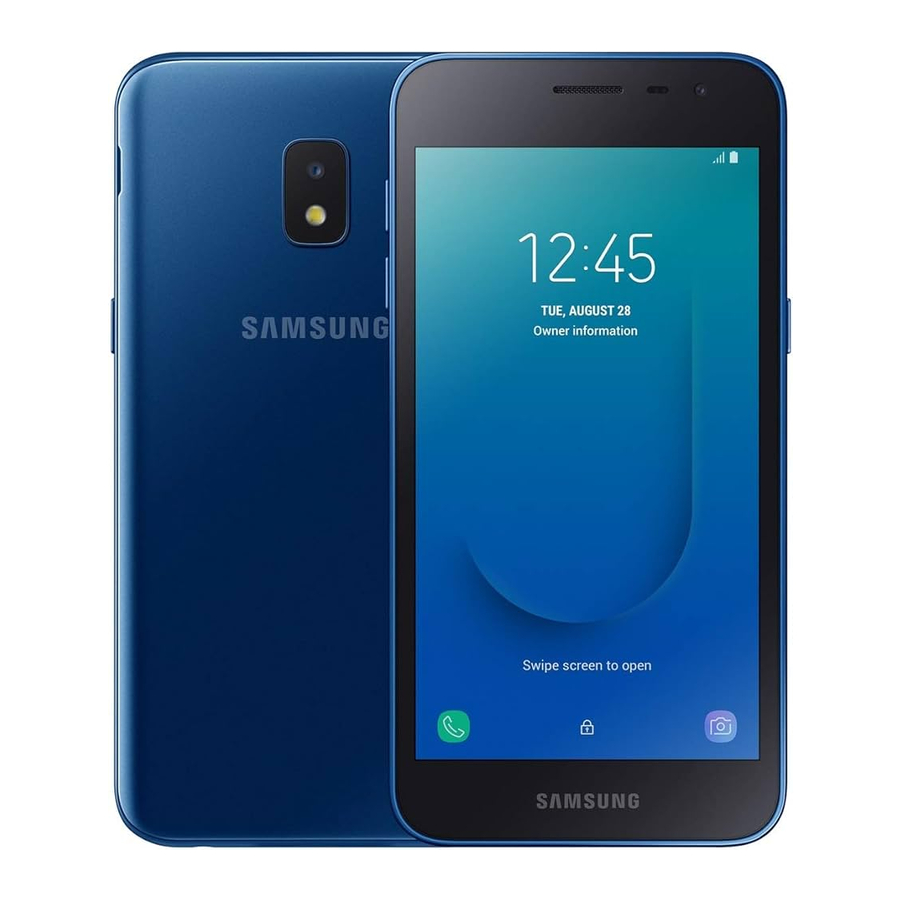
Samsung Galaxy J2 (Metro by T-Mobile) Quick Reference Manual
- User manual (92 pages) ,
- User manual (142 pages) ,
- User manual (147 pages)
Advertisement
Help
GET TO KNOW YOUR PRODUCT
- Access user manuals, tips and more at samsung.com/us/support.
ASK THE COMMUNITY
- Ask questions and get solutions from Samsung customers, at us.community.samsung.com.
CONTACT US FOR SUPPORT
- For hardware or software support, visit samsung.com/us/support/contact or call us at 1.800.SAMSUNG.
- Find a service location near you, at support-us.samsung.com/cyber/locator/asc_locator.jsp.
About your phone
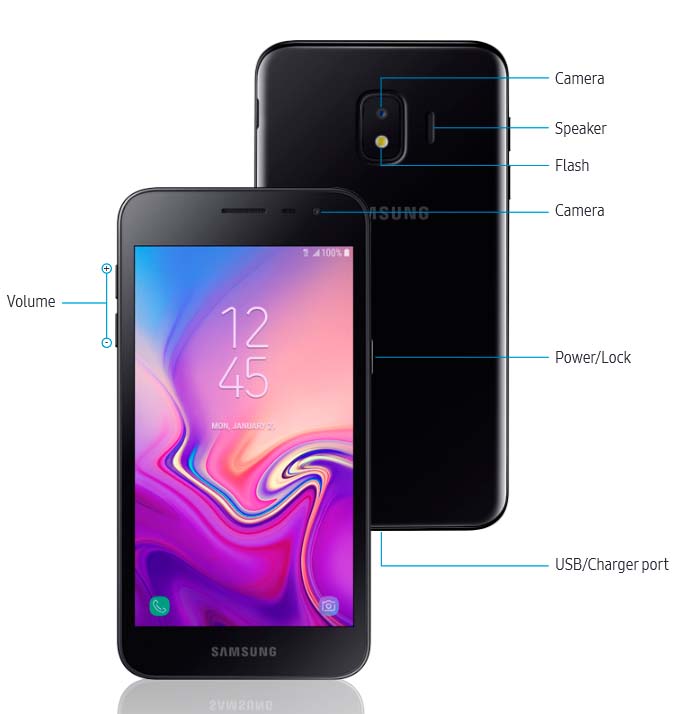
Set up your phone
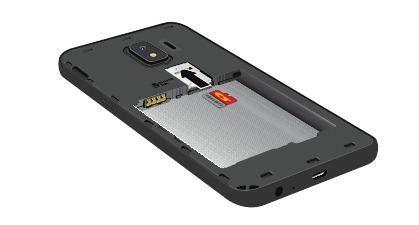
Your SIM card may be pre-installed.
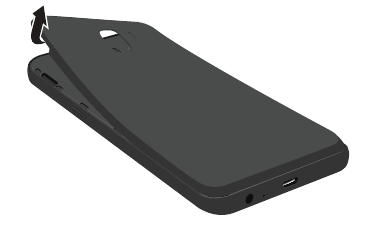
- Remove the back cover and battery.

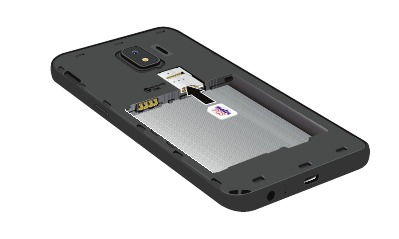
- Slide the SIM card into the SIM card slot.

- Slide the microSD™ card into the microSD card slot.

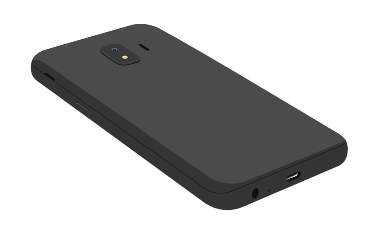
- Install the battery and replace the back cover

Charge the phone
Before turning on your phone, charge it fully.
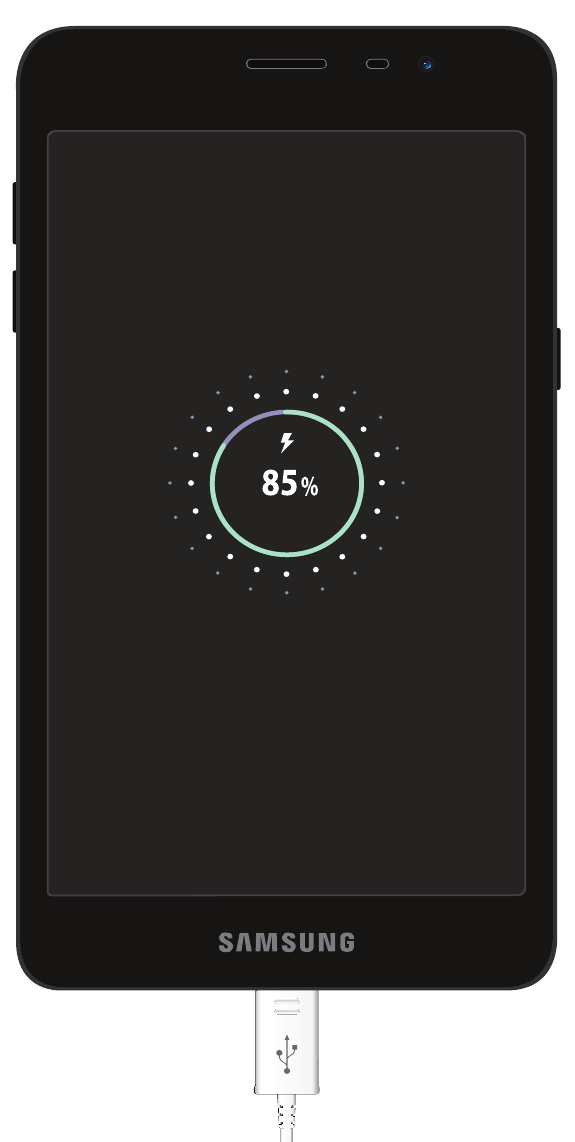
Note: Use only Samsung approved charging devices and batteries. Samsung accessories are designed for your device to maximize battery life. Using other accessories may void your warranty and may cause damage.
Customize your phone
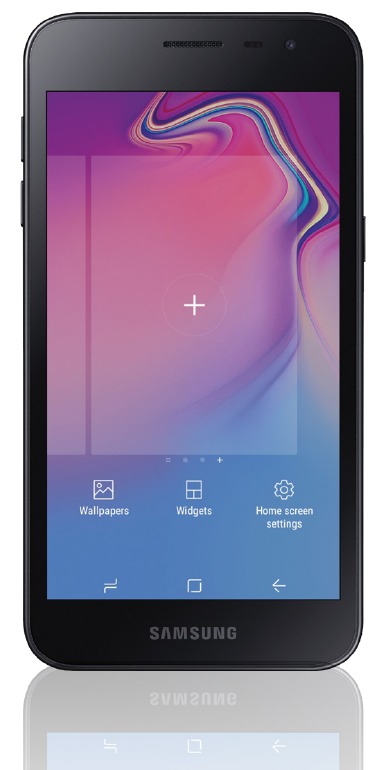
Pinch the home screen to change the look of your phone:

Wallpaper

Widgets

Home screen settings
From a Home screen swipe up, and then tap Settings  to customize, connect or turn on options to personalize your phone:
 | CONNECTIONS Connect to a Wi-Fi network, Bluetooth device and other connection options. |
 | SOUNDS AND VIBRATION Set device volume and sounds. |
 | DISPLAY Customize the home screen and display brightness. |
 | LOCK SCREEN Select a screen lock type and set security options. |
Learn more
Need help?
The Help setting displays the device user manual. The user manual provides information about the following and more.
To open, from the Home screen, swipe up and tap Settings  > Help
  .
.
 | Make a call |
 | Contacts |
 | Samsung + |
 | Accessibility settings |
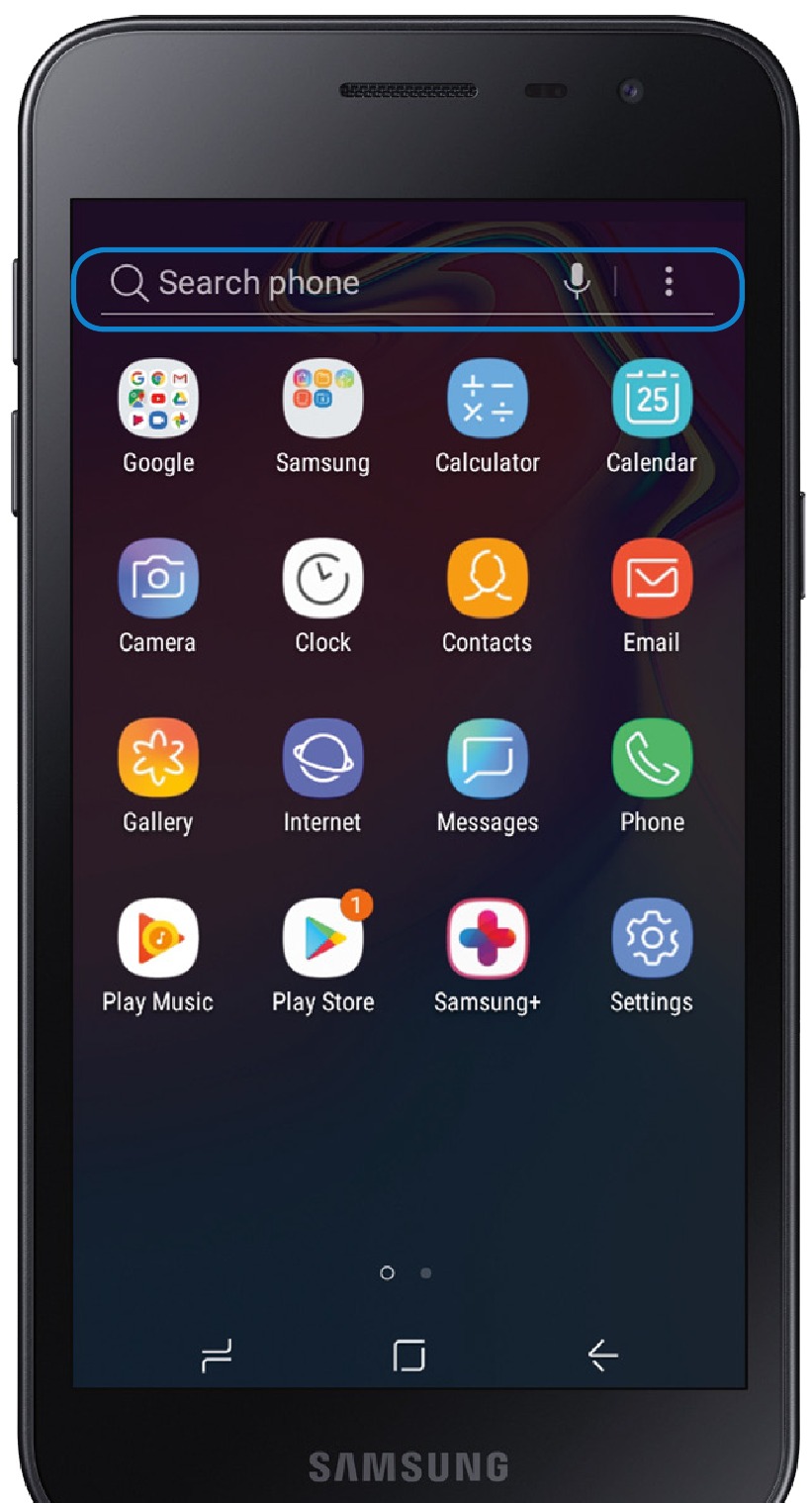
Search
From the home screen swipe up, and search for anything on the phone. For example enter an app or settings name.
Contacts

- Tap
![]() to add new contacts.
to add new contacts. - Enter the desired information and tap SAVE to store the new entry.
- To edit, tap a name > Details > EDIT.
- Tap SAVE to complete.
- To delete, touch and hold a contact name and tap DELETE.
 to add new contacts.
Messages

- Tap
![]() to create a new message.
to create a new message.
Note: When entering a phone number manually, press![]() to add the number as a recipient.
to add the number as a recipient. - Tap START to compose a message.
- Tap
![]() to add an attachment.
to add an attachment. - Touch and hold
![]() to create an audio message.
to create an audio message. - Tap
![]() to add a sticker or a GIF.
to add a sticker or a GIF. - Tap
![]() to send the message.
to send the message.
 to create a new message.
 to add the number as a recipient.
 to create an audio message.
 to add a sticker or a GIF.
 to send the message.
Picture & Video

- Tap
![]() to take a photo.
to take a photo. - Drag
![]() left or right to zoom in or out.
left or right to zoom in or out. - Tap
![]() or swipe up to take selfies.
or swipe up to take selfies. - Swipe left or right to select a mode.
- Tap an effect from the top of the display.
- Tap to begin recording.
- Tap
![]() to capture a picture while recording.
to capture a picture while recording. - Tap
![]() to pause a recording.
to pause a recording. - Tap
![]() to end a video.
to end a video.
 to take a photo.
 or swipe up to take selfies.
 to capture a picture while recording.
 to pause a recording.
 to end a video.
Documents / Resources
References
![samsung.com]() Support Home | Official Samsung Support US
Support Home | Official Samsung Support US![us.community.samsung.com]() Samsung Community - Samsung Community
Samsung Community - Samsung Community![samsung.com]() Contact Us | Official Samsung Support US
Contact Us | Official Samsung Support US![support-us.samsung.com]() Service Locator | Samsung
Service Locator | Samsung


Download manual
Here you can download full pdf version of manual, it may contain additional safety instructions, warranty information, FCC rules, etc.
Download Samsung Galaxy J2 (Metro by T-Mobile) Quick Reference Manual
Advertisement


Need help?
Do you have a question about the Galaxy J2 and is the answer not in the manual?
Questions and answers