Table of Contents
Advertisement
Advertisement
Table of Contents

Related Manuals for PABX TC-2000 PP


Summarization of Contents
Chapter 1: Brief Introduction
1.1 Precautions
Safety guidelines for operating the PABX unit, covering placement, power, and cleaning.
1.2 Technical Index
Technical specifications and parameters for the PABX system, including capacity, current, and dial modes.
1.3 Names
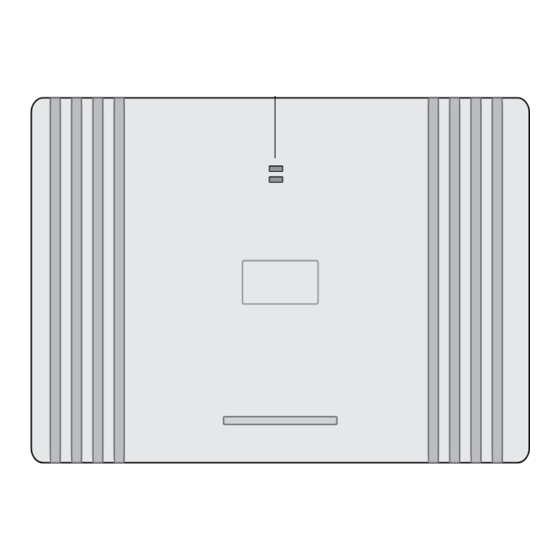
Identification of external ports, buttons, and components on various PABX models with visual diagrams.
Chapter 2: Programming and Operating
2.1 Unlock System Password
Procedure to unlock the system for programming mode using a specific password format.
2.2 Change System Password
Instructions for modifying the system's access password for enhanced security.
2.3 Internal Call
How to make calls between extensions within the PABX system.
2.4 Outside (CO) Line Connection Assignment
Assigning specific CO lines to be connected to the system and their connection order.
2.5 Access Outside (CO) Line Instruction
Methods for extensions to access external CO lines for making calls.
2.6 Ringing Extensions of Certain CO Line
Configuring which extensions will ring for incoming calls on specific CO lines.
2.7 Answer Incoming Call
Procedures for answering incoming calls, either by designated ringing extensions or call pickup.
2.8 Answering Mode Assignment
Setting the system to operate in Operator Answering or Auto-Attendant mode.
2.9 Attendant Extensions Assignment
Assigning specific extensions to act as primary and secondary attendants for auto-attendant service.
2.10 Outgoing Message (OGM) For Auto-Attendant Service
Recording and listening to OGM messages for auto-attendant service.
2.11 Call Permission Management
Managing call restrictions for extensions based on destination or line type.
2.11.5 Class Assignment for Certain Extension
Assigning call permission classes to individual extensions for specific calling restrictions.
2.11.6 Class Assignment for All Extensions
Applying call permission classes to all extensions simultaneously.
2.11.7 Front Digits of Phone Number Management
Managing allowed or forbidden phone number prefixes for calls.
2.11.8 Extension is Permitted Use Certain CO Line Only
Restricting an extension to use only a designated CO line for external calls.
2.11.9 Exclusive CO Line of Superior Extension
Assigning a CO line exclusively for a superior extension.
2.11.10 Executive Busy Override (EBO)
Allowing authorized users to interrupt a busy CO line.
2.11.11 External Call is Time-limited
Setting time limits for external calls to automatically disconnect.
2.12 Call Transferring Management
Managing call transfers, including busy transfers and unconditional transfers.
2.13 Party Conference (1 CO & 2 Extensions)
Setting up a conference call involving one CO line and two extensions.
2.14 Flash Time
Configuring the duration of the flash signal for call transfer operations.
2.15 External Call Waiting
Handling incoming external calls while on an active external call.
2.16 Verify Holding Music
Testing and verifying the performance of holding music.
2.17 Extension Number Assignment
Changing or assigning new extension numbers for specific jacks.
2.18 Extension Number Confirmation
Checking the current extension number and its associated jack number.
2.19 Restore All Extension Numbers
Resetting all extension numbers back to their factory default settings.
2.20 Factory Settings (Default)
Restoring the entire system to its original factory default settings.
Need help?
Do you have a question about the TC-2000 PP and is the answer not in the manual?
Questions and answers