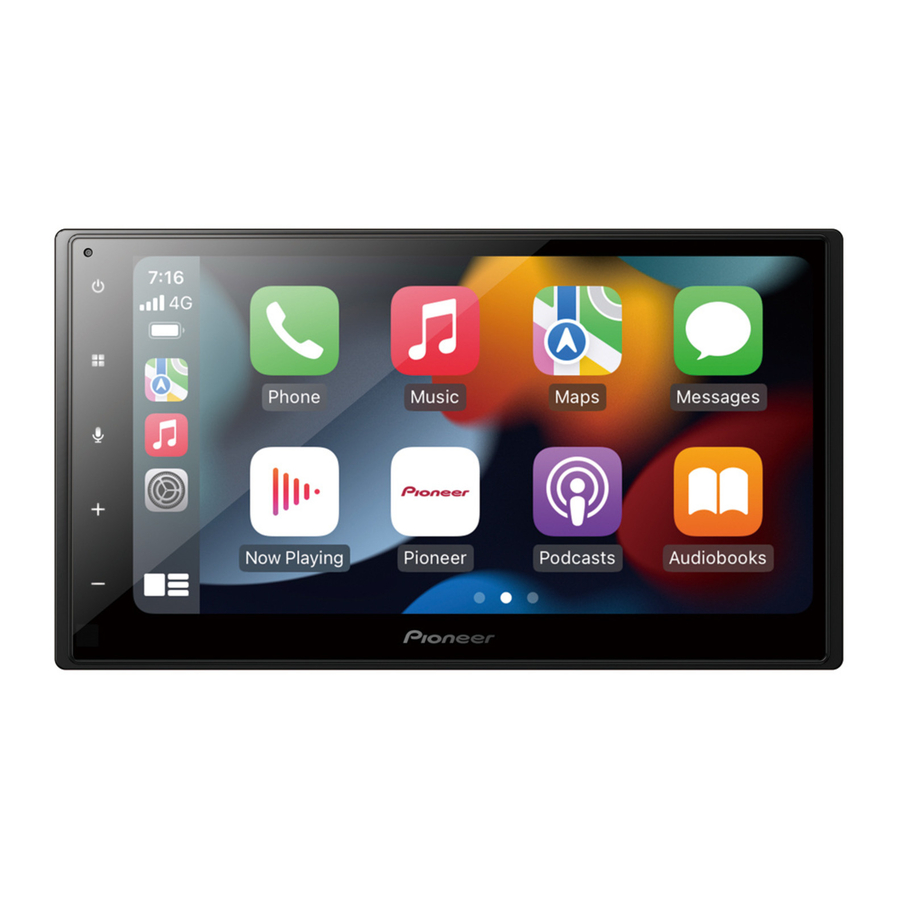
Pioneer SPH-DA360DAB - RDS AV Receiver Quick Start Guide
- Operation manual (65 pages) ,
- Installation manual (53 pages)
Advertisement
Meanings of symbols used in this manual

What's What

 |  |
|
 |  |
|
 |  |
|
 | VOL (+/-) |  Adjust the volume Adjust the volume |
 Power off
Selecting the source

|
|
Tuner operation

| |  Store the strongest broadcast frequencies Store the strongest broadcast frequencies |
 | Select a band |
 | Tune into the next station |
| |
|
 | Recall a preset channel in order and broadcast each channel for 10 seconds. |
 | Tune into only radio stations with sufficiently strong signals |
 | Start seek turning |
Moving images operation

 |  Pause and start playback Pause and start playback |
 |  Change the playback point Change the playback point |
 |
|
Audio operation

 |  Pause and start playback Pause and start playback |
| |
|
| | Set the function for playing audio |
List search operation

| |  Display the playlist screen Display the playlist screen |
 | Select the media file types |
 | Select a list title or folder that you want to play |
 |  Scroll the list Scroll the list |
Bluetooth® connection

NOTE
The Bluetooth® word mark and logos are registered trademarks owned by Bluetooth SIG, Inc. and any use of such marks by Pioneer Corporation is under license. Other trademarks and trade names are those of their respective owners.
Bluetooth® telephone operation

 |  Enter the phone number directly Enter the phone number directly |
 | Switch to the phone book mode |
 | Switch to the call history list |
 | Make an outgoing call |
This guide is intended to guide you through the basic functions of this unit.
For details, please refer to the Operation manual stored on the website.
https://www.pioneer-car.eu/eur/
https://www.pioneer.com.au/
Disposal

If you want to dispose this product, do not mix it with general household waste. There is a separate collection system for used electronic products in accordance with legislation that requires proper treatment, recovery and recycling.
Private households in the member states of the EU, in Switzerland and Norway may return their used electronic products free of charge to designated collection facilities or to a retailer (if you purchase a similar new one).
For countries not mentioned above, please contact your local authorities for the correct method of disposal.
By doing so you will ensure that your disposed product undergoes the necessary treatment, recovery and recycling and thus prevent potential negative effects on the environment and human health.

- Slots and openings in the cabinet are provided for ventilation to ensure reliable operation of the product, and to protect it from overheating. To prevent fire hazard, the openings should never be blocked or covered with items (such as papers, floor mat, cloths).
- Do not ingest the battery, Chemical Burn Hazard.
The remote control supplied or sold separately with this product contains a coin/button cell battery. If the coin/button cell battery is swallowed or placed inside any part of the body, it can cause severe internal burns or other severe injuries in 2 hours or less and can lead to death.
Keep new and used batteries away from children.
If the battery compartment does not close securely, stop using the product and keep it away from children.
If you think batteries might have been swallowed or placed inside any part of the body, seek immediate medical attention.

Documents / Resources
References


Download manual
Here you can download full pdf version of manual, it may contain additional safety instructions, warranty information, FCC rules, etc.
Download Pioneer SPH-DA360DAB - RDS AV Receiver Quick Start Guide
Advertisement


Need help?
Do you have a question about the SPH-DA360DAB and is the answer not in the manual?
Questions and answers