Advertisement
Advertisement
Table of Contents

Related Manuals for Xiaomi 70mai


Summary of Contents for Xiaomi 70mai
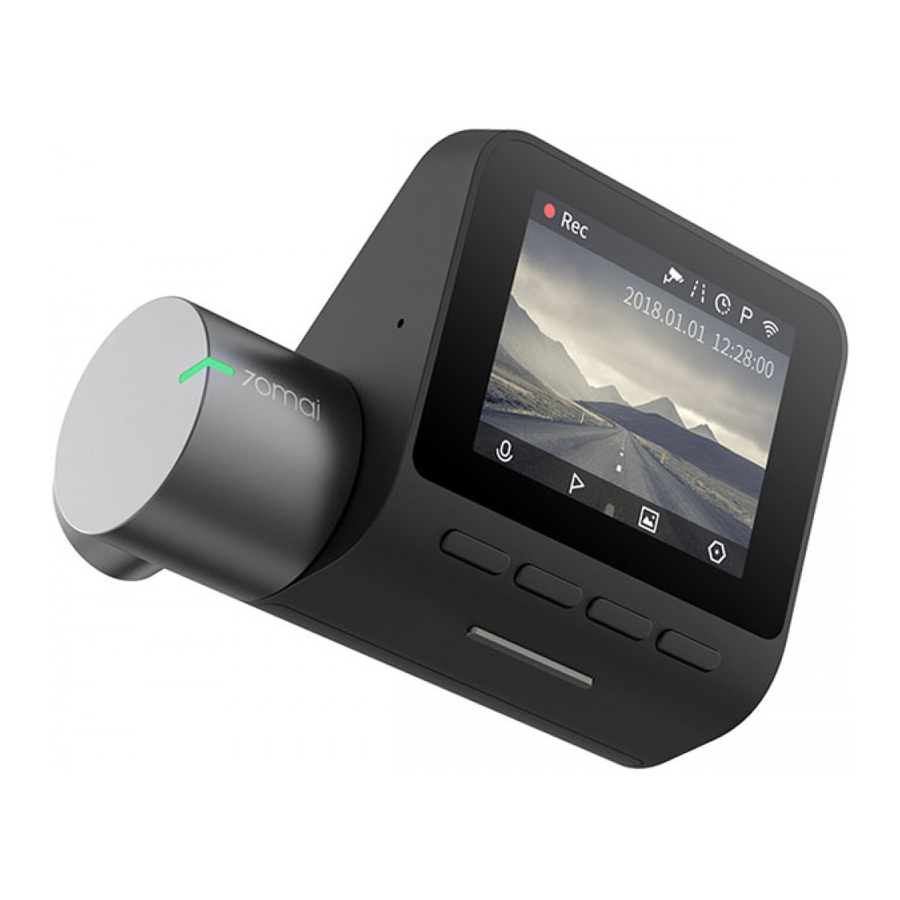
- Page 1 Xiaomi 70mai Dash Cam Lite - 1080p, WiFi - Black...
- Page 2 The 70mai Dash Cam Lite must be activated using the 70mai app. To download and install the app, search for "70mai" in Google Play Store (Android) or App Store (iOS). Or you can download the app by scanning the QR code below.
- Page 3 1. Indicator light 2. Function buttons 3. Power button 4. USB interface 5. Memory card slot 6. Speakers 7. Camera Installation 1. Install the electrostatic sticker - Clean your windshield and put the electrostatic sticker on the recommended area as shown in the figure below.
- Page 4 4. Connect USB cable to the cigarette lighter - Align the cable with the top edge of the windshield and fasten it along the passenger's side and the glovebox as shown below. Connect the cable to the power adapter and insert the adapter into the cigarette lighter receptacle.
Need help?
Do you have a question about the 70mai and is the answer not in the manual?
Questions and answers