
Related Manuals for Adena A-BR01


Summary of Contents for Adena A-BR01
- Page 1 RECORD, STREAM AND VIDEOCONFERENCE WITH RADA BRIDGE HDMI to USB BRIDGE QUICK INSTALLATION GUIDE...
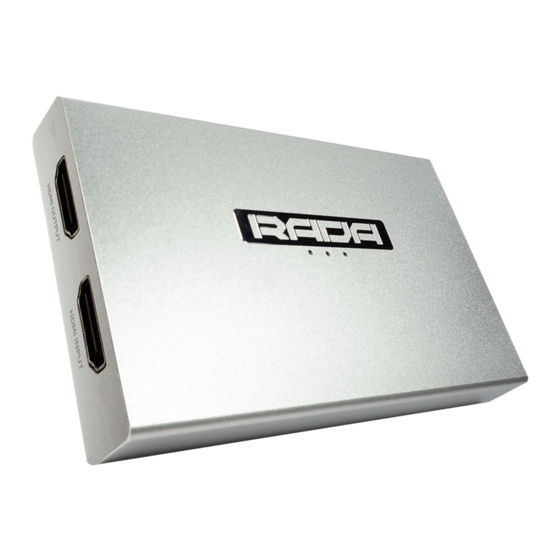
- Page 2 CONNECTION DIAGRAM 1. HDMI OUT - Connect to a display with an HDMI cable. 2. HDMI IN - Connect a video source with an HDMI cable. 3. LINE IN - Connect a microphone if you would like to add an extra audio layer (3.5mm TRS only) 4.
- Page 3 Please be aware that LINE input only works with 3.5mm TRS cables. PACKAGE CONTENT A-BR01 - HDMI to USB BRIDGE USB 3.0 Type A cable USB Type A to USB Type C adapter Quick Installation Guide...
- Page 4 SPECIFICATION Model Name A-BR01 HDMI 1.4. (HDMI In x 1, HDMI Out x 1 - loopthrough), USB 3.0 Video x 1, (backwards compatible with USB 2.0) Audio LINE In x 1 (3.5mm TRS) 2160p30, 1440p60, 1080p120, Video 720p60 Quality 5V, 1A via USB...
Need help?
Do you have a question about the A-BR01 and is the answer not in the manual?
Questions and answers