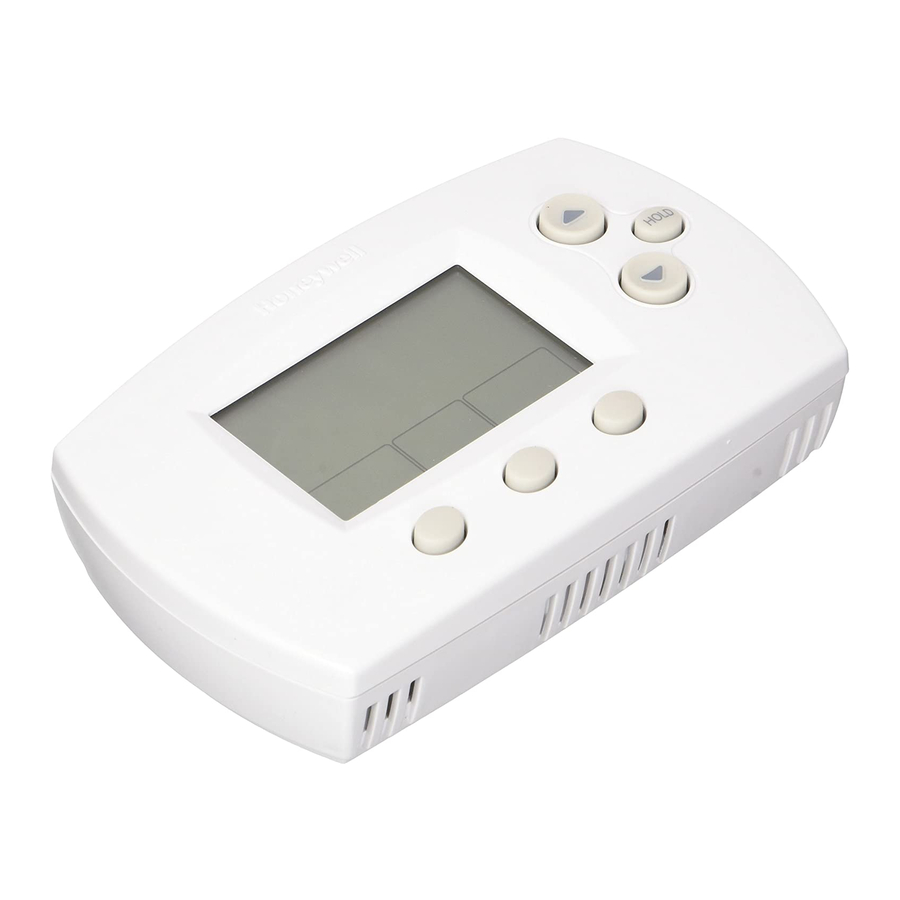
Honeywell FocusPRO TH6110D Installation Manual

Honeywell FocusPRO TH6110D Installation Manual

Hide thumbs Also See for FocusPRO TH6110D:
Hone_e||
|nstallation
Guide
FocusPRO
TM
TH6000
Series
Programmable Thermostat
This
manual
covers
the
following
models
• TH6110D:
For 1 Heat/1
Cool sy_tem_
• TH6220D:
For up to 2 Heat/2
Cool sy_tem_
(Remove battery
holder to find model
number)
System
Types
Gas, oil, or electric
heat with air
oonditioning
Warm air, hot water, high-
efficiency
furnaee_,
heat pumps,
steam, gravity
Heat only -- two-wire
systems,
three=wire
zone valve8
(Series
20), and normally
open zone
valve_
Heat only with fan
Cool only
750 mV heating
system8
M.st bei..t.,ed by. t_.i.ed,_e_enC_dtech.icia.
Read the_e
!nCtru0tion_ oarefully.
Fai!ure to follow
the_e in_tru0tion_
oan
damage
the product or oause a hazardous
oondition.
Need
He_p:
For a_i_tanee
with thio produot
please visit httP://yourhome_honeYwolLOOm
or oal! Honeywel!
CUStomer Care to!l-free at 1-800,468,1502
® U.S.
Registered
Trademark.
Patents
pending.
Copyright
© 2006
Honeywell
international
inc.
All
rights
reserved.
69-1920EF
Table of Contents
loading

Frequently Asked Questions (10)

  • Why is my Honeywell FocusPRO TH6110D thermostat flashing 'cool on'?
    The message "Cool On" will flash on the display during the compressor protection wait time. This feature forces the compressor to wait a few minutes before restarting, which helps prevent damage to the equipment.
    For more information, see page 8 of the manual.
    Was this helpful?
  • How do I install the Honeywell FocusPRO TH6110D thermostat?

    To install the thermostat, first separate the wallplate from the thermostat. Then, mount the wallplate using 3/16" holes for drywall or 7/32" holes for plaster. After the wallplate is mounted, insert the reference card. Finally, align the 4 tabs on the wallplate with the slots on the back of the thermostat and push gently until it snaps into place. Remember to push excess wire back into the wall opening and plug the wall opening with non-flammable insulation.

    Was this helpful?
  • Why is my Honeywell FocusPRO TH6110D thermostat blinking 'heat on'?
    The message "Heat On" will flash on the display during the compressor protection wait time (for heat pumps only). This feature forces the compressor to wait a few minutes before restarting, which helps prevent damage to the equipment.
    For more information, see page 8 of the manual.
    Was this helpful?
  • Where can I find the wiring diagram for the Honeywell FocusPRO TH6110D thermostat?

    The wiring diagrams for the TH6110D thermostat can be found under the "Wiring" section of the manual. Specifically, the TH6110D conventional terminal designations and TH6110D heat pump terminal designations are provided.


    For more information, see page 3 of the manual.
    Was this helpful?
  • What HVAC systems is the Honeywell FocusPRO TH6110D thermostat compatible with?

    The Honeywell FocusPRO TH6110D thermostat is compatible with 1 Heat/1 Cool systems. This includes system types such as gas, oil, or electric heat with air conditioning; warm air, hot water, high-efficiency furnaces, heat pumps, steam, gravity; heat only two-wire systems, three-wire zone valves (Series 20), and normally open zone valves; heat only with fan; cool only; and 750 mV heating systems.


    For more information, see page 1 of the manual.
    Was this helpful?
  • How do I remove the Honeywell FocusPRO TH6110D thermostat from the wall?

    To remove the thermostat from the wall, you need to pull to remove the wallplate from the new thermostat. It is easier to grasp the wallplate and remove it after completely removing the battery holder.


    For more information, see page 2 of the manual.
    Was this helpful?
  • How do I access advanced settings on the Honeywell FocusPRO TH6110D thermostat?

    To access the installer setup, press and hold the and FAN buttons until the display changes. To access the installer system test, press and hold the and buttons until the display changes.

    Was this helpful?
  • How do I enter installer setup mode on the Honeywell FocusPRO TH6110D thermostat?

    To enter installer setup mode, press and hold the and FAN buttons simultaneously until the display changes.

    Was this helpful?
  • How do I adjust the temperature swing (differential) on my Honeywell FocusPRO TH6110D thermostat?

    You can adjust the temperature swing by changing the Stage 1 heat cycle rate (CPH) in the installer setup. Options include 1, 3, 5, or 9 cycles per hour, with 5 CPH being the default for gas or oil furnaces of less than 90% efficiency. Other cycle rate options (2, 4, 6, 7, 8, 10, 11 or 12 CPH) are also available.

    Was this helpful?
  • Can the Honeywell FocusPRO TH6110D thermostat be used with a multi-stage heating or cooling system?

    The TH6110D model is specifically for 1 Heat/1 Cool systems. Multi-stage systems (up to 2 Heat/2 Cool) are covered by the TH6220D model.

    Was this helpful?
Need help?

Need help?

Do you have a question about the FocusPRO TH6110D and is the answer not in the manual?

Questions and answers

This manual is also suitable for:

Focuspro th6220d

Table of Contents