Sign In
Upload
Manuals
Brands
Houston Radar Manuals
Radar
DR600
Houston Radar DR600 Manuals
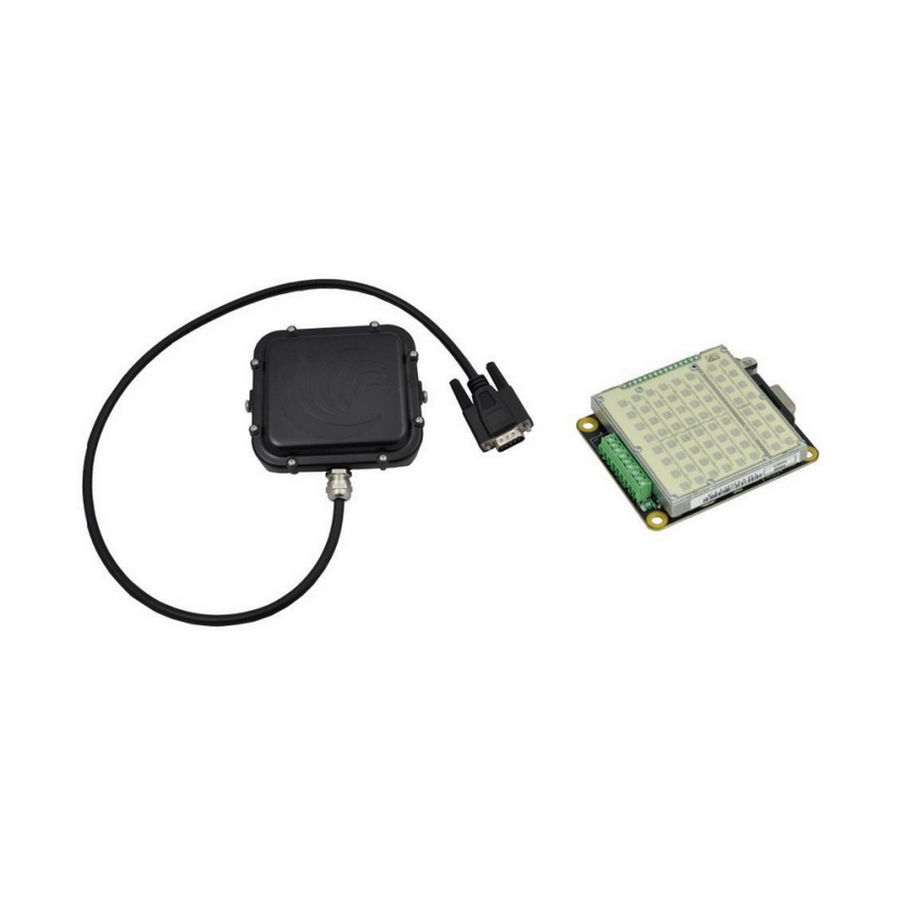
Manuals and User Guides for Houston Radar DR600. We have
1
Houston Radar DR600 manual available for free PDF download: User Manual And Installation Manual
Houston Radar DR600 User Manual And Installation Manual (35 pages)
K-Band Doppler Radar
Brand:
Houston Radar
| Category:
Radar
| Size: 1 MB
Table of Contents
Table of Contents
4
Introduction
5
Installation
5
Mounting
5
Direction Pointing
6
Recommended Enclosure for the Dr600-Ofd
6
Hookup
7
Power Input
7
Serial Connection
7
Measured Speed Output
7
Setting Variables from an ASCII Terminal Program Via ASCII Commands
8
Wire Signal Descriptions (Terminal Block)
10
Wire Signal Descriptions (DB9 Connector)
10
Use
12
Internal Clock
13
Configuring the Unit
13
Configuring the Radar with Houston Radar Stats Analyzer GUI
17
STEP 1: Connect to Radar
18
STEP 2: DR600 Setup
19
STEP 3: Select the Radar Units
20
STEP 4: Set the Radar Cutoff Speeds (Low and High Speed Cutoff)
21
STEP 5: Set Detection Sensitivity
22
STEP 6: Set Detection Direction & Target Selector
23
STEP 7: Set "Slow Speed Targets Filter" and "Tuning Fork Test" Modes
24
STEP 8: Setup Baud Rate, ASCII Format, and Output Precision
25
STEP 9: Select Speed Output Interval
26
STEP 10: Select Speed Measurement Mode
27
STEP 11: Configure the Trigger Outputs
28
STEP 12: Select RS232 (Serial Data Output) Mode
30
STEP 13: Optional Advanced In-Radar Traffic Statistics Logging
31
Dr600 Specifications
32
General
32
Approvals
32
Data Interfaces
32
Mechanical
32
Performance
33
Ordering Options
34
Appendix A: Connecting to the Radar Trigger Outputs
35
Advertisement
Advertisement
Related Products
Houston Radar DR500
Houston Radar DC310
Houston Radar PD300
Houston Radar PD300-DFT
Houston Radar PD300-OFD
Houston Radar PD310-DFT
Houston Radar PD310-OFD
Houston Radar PD420
Houston Radar PNL10
Houston Radar PNL18
Houston Radar Categories
Radar
Accessories
GPS
Security Sensors
Data Loggers
More Houston Radar Manuals
Login
Sign In
OR
Sign in with Facebook
Sign in with Google
Upload manual
Upload from disk
Upload from URL