Advertisement
Quick Links
Quick Setup
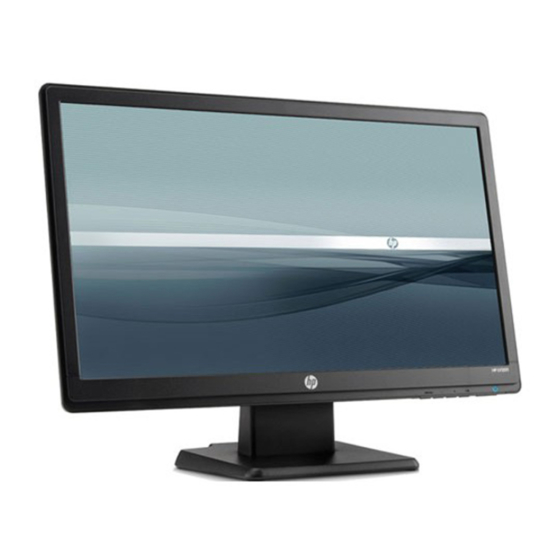
HP Monitors
V191/ V192/ LV1911/ W1971a/ W1972a/ W1952a/ W1972b LCD Monitors - Optimum Resolution 1366 x 768 @ 60 Hz
V195/ LV2011/ LV2011q/ W2071d/ 20wm/ W2072a/ W2072b/ W2052a LCD Monitors - Optimum Resolution 1600 x 900 @ 60 Hz
V221/ V221p/ W2271d/ LV2311/ W2371d/ W2371b LCD Monitors - Optimum Resolution 1920 x 1080 @ 60 Hz
1
3
Audio (Select models)
Copyright © 2013,2014 Hewlett-Packard Development Company, L.P.
The infomation contained herein is subject to change without notice.
Printed in China, Impresso em China. Imprimé en Chine. Stampato in Cina
Impreso en China.
787044-B21
2
VGA
4
DVI (Select models)
OR
5
6
Advertisement

Related Manuals for HP W1972a


Summarization of Contents
HP Monitors Quick Setup Guide
Connecting Power and Input Cables
Connect power and display cables to the monitor.
Connecting to Computer
Connect the monitor to the computer using VGA or DVI.
Connecting Audio Output
Connect audio cables for supported models.
Finalizing Cable Connections
Complete the cable connections to the monitor.
Adjusting Monitor Position
Adjust the monitor for optimal viewing.
Monitor Ready for Use
The monitor is connected and ready for operation.
Thank You for Your Purchase
Warranty and Support Information
Information on limited warranty period and accessing HP support.
Downloading Drivers and User Guides
Accessing HP support to download product resources.
Important Safety Precautions
Warnings to reduce risk of electric shock or equipment damage.
Providing Documentation Feedback
How to submit suggestions or report errors for documentation improvement.
Need help?
Do you have a question about the W1972a and is the answer not in the manual?
Questions and answers