Sign In
Upload
Manuals
Brands
ICON ProAudio Manuals
Recording Equipment
MobileR Dyna
ICON ProAudio MobileR Dyna Interface Manuals
Manuals and User Guides for ICON ProAudio MobileR Dyna Interface. We have
1
ICON ProAudio MobileR Dyna Interface manual available for free PDF download: User Manual
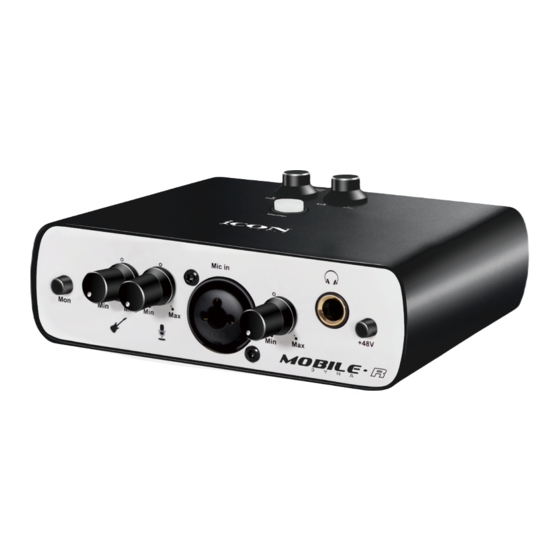
ICON ProAudio MobileR Dyna User Manual (40 pages)
1 Mic-In / 1 Instrument-In, 2 Out professional recording USB interface with smart phone connectivity for live streaming application
Brand:
ICON ProAudio
| Category:
Recording Equipment
| Size: 16 MB
Table of Contents
Table of Contents
3
Introduction
4
What's in the Package
4
Register Your ICON Proaudio Product to Your Personal Account
5
Features
6
Front Panel
8
Rear Panel
9
Top Panel
10
Mac Driver Installation
11
Install Prodriver 4 with Loopback Function
11
Mixer Control Panel(Mac)
15
Windows Driver Installation
17
Prodriver4
20
Mixer Control Panel(Windows)
21
Settings (Sample Rate and Latency Settings)
24
Prodriver Hosting Rack (Mac/Windows)
28
Hardware Connections
36
Different Types of Microphone Connection Method Diagram
37
Specifications
38
Services
39
Advertisement
Advertisement
Related Products
ICON ProAudio Mobile-U Live
ICON ProAudio Mobile-U Mini Live
ICON ProAudio MobileR Live
ICON ProAudio M4
ICON ProAudio CUBE 2nano S
ICON ProAudio CUBE 4nano S
ICON ProAudio LIVE-CONSOLE
ICON ProAudio PLATFORM B+
ICON ProAudio PLATFORM M+
ICON ProAudio Platform Nano Air
ICON ProAudio Categories
Recording Equipment
Microphone
Accessories
Amplifier
Microphone system
More ICON ProAudio Manuals
Login
Sign In
OR
Sign in with Facebook
Sign in with Google
Upload manual
Upload from disk
Upload from URL