Advertisement
Advertisement
Table of Contents

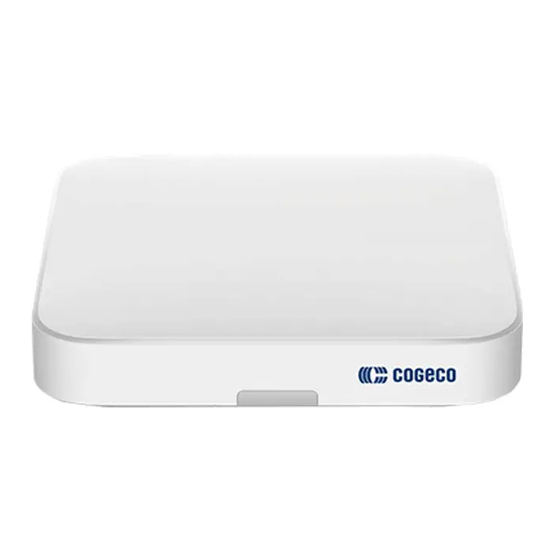
Summary of Contents for epico DIW3930
- Page 1 Welcome guide Self-installation and features...
-
Page 2: What You Need To Get Started
Connect the power cord to a wall outlet, and • Your Google login information (email address and ensure that both the TV and the EPICO 4K Cloud PVR password), if you want to be able to take advantage of are powered on. - Page 3 Now that your hardware is ready, follow the on screen instructions to sign into EPICO for the first time. To be able to control your EPICO TV and PVR using Choose your preferred language. Connect your EPICO 4K Cloud PVR to your Wi-Fi the EPICO remote control, select BEGIN and follow network.
- Page 4 Sign in to My Account, press OK to bring up the your Internet package. Therefore, your Internet speed Make sure you have green check marks for all keyboard, then sign in to the EPICO app. You are now may fluctuate at times. types of video streams.
- Page 5 05. The remote control How to get the most out of your remote control POWER — Turn your EPICO 4K Cloud PVR on or off. LAST — Tune to your last-watched live TV channel. RECORD — Press once to start recording.
- Page 6 In the main menu, which you can access by 2 Your profile purchased. pressing the Home button on your EPICO Creating profiles for different users enhances everyone’s remote, you will find suggestions for movies entertainment experience. You will be able to keep track...
-
Page 7: How To Use Voice Commands
• Show type • Press 3 times to cancel any of these recordings. • Time EPICO offers many more features (activation of parental • Channel and time controls, personalized recommendations, etc.). You can You can also set a more personalized recording by How to use voice •... - Page 8 Record, download and go Good to know: All downloaded apps count toward the storage capacity of your 16 GB EPICO 4K Cloud PVR. Some apps may have an Want to take your recordings with you? Rather than additional cost, which is not managed by Cogeco. Your Google Account...
-
Page 9: We're Here To Help
Demand requires a subscription to the corresponding TV channel. 3. Channel availability for the Restart and Just Missed features may vary according to the content rights and viewing restrictions. The EPICO app provides access to the TV channels included in the EPICO package to which the customer is subscribed. Some channels included in the EPICO package may not be available to watch out-of-home due to content rights restrictions.
Need help?
Do you have a question about the DIW3930 and is the answer not in the manual?
Questions and answers